 wonder watt
Making your home battery smarter
wonder watt
Making your home battery smarter
The free Wonder Watt app is the companion to Wonder Watt on the web. It tells you when your battery needs you, and shows you what it's doing at a glance.
You need a Wonder Watt account to use the app. Create one at app.wonderwatt.com, free for 14 days, then link the app from your Profile page.
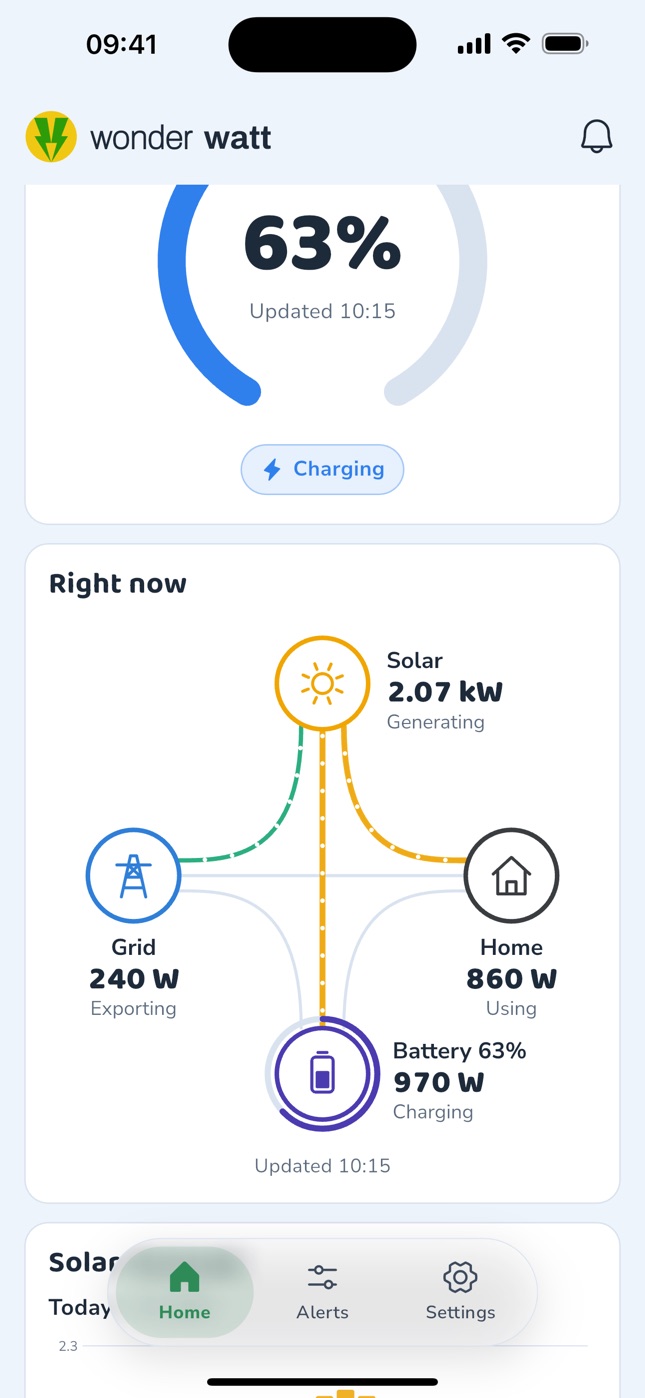
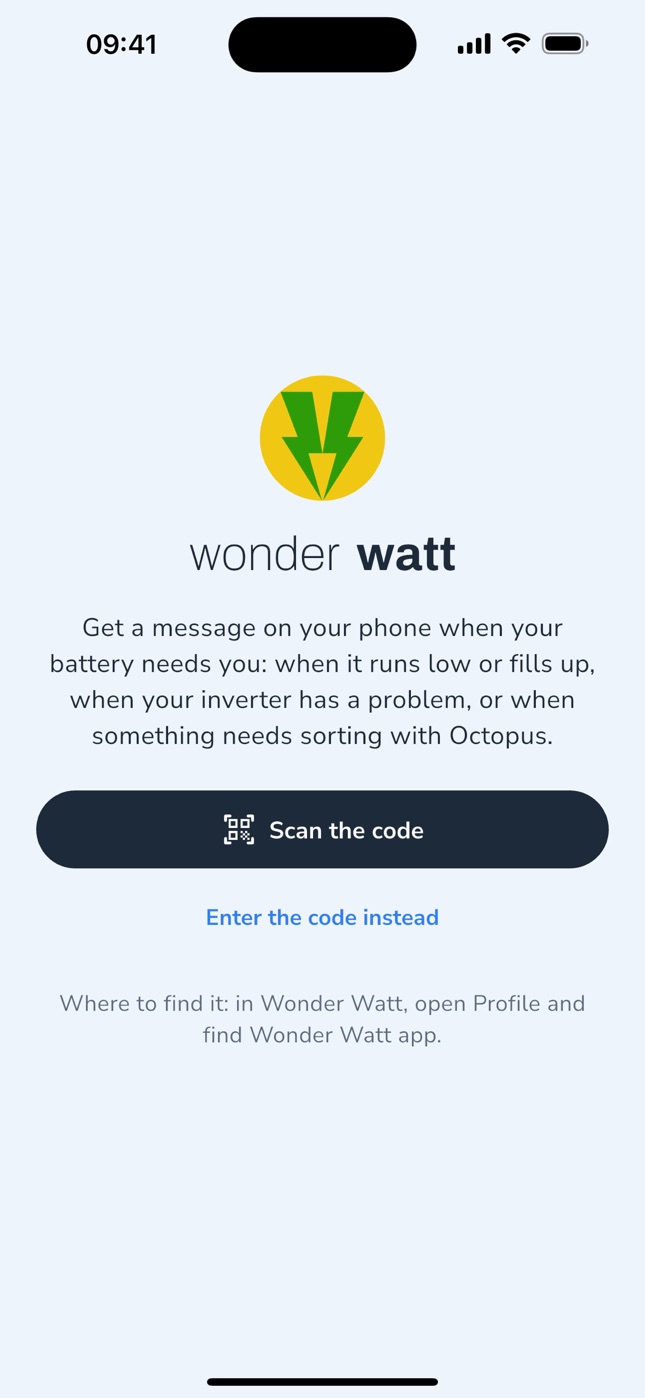
Swipe through the Wonder Watt app on iPhone.
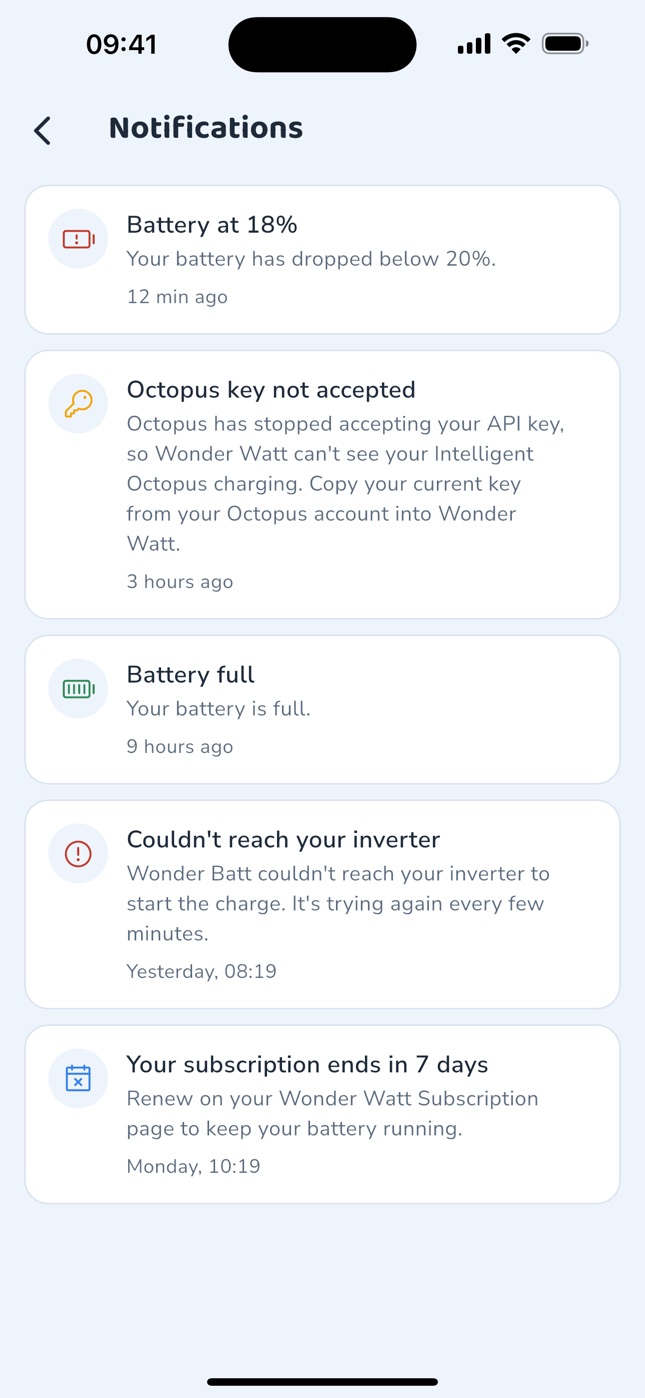
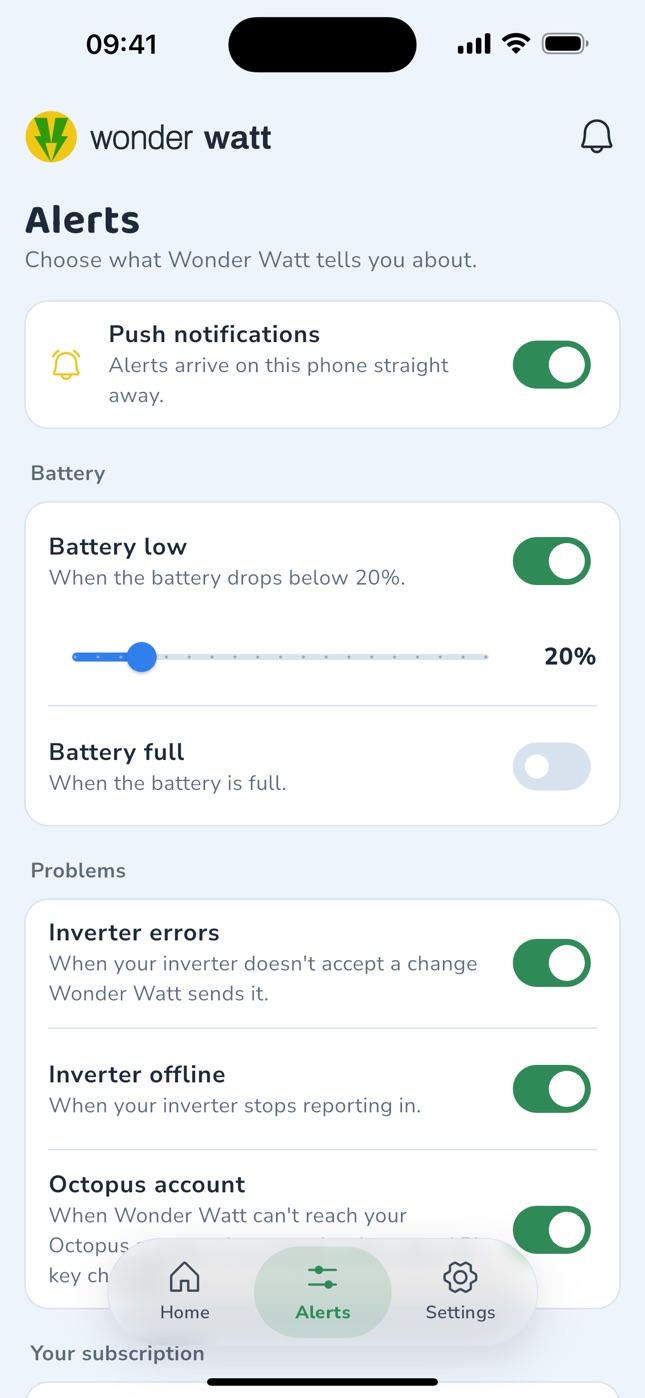
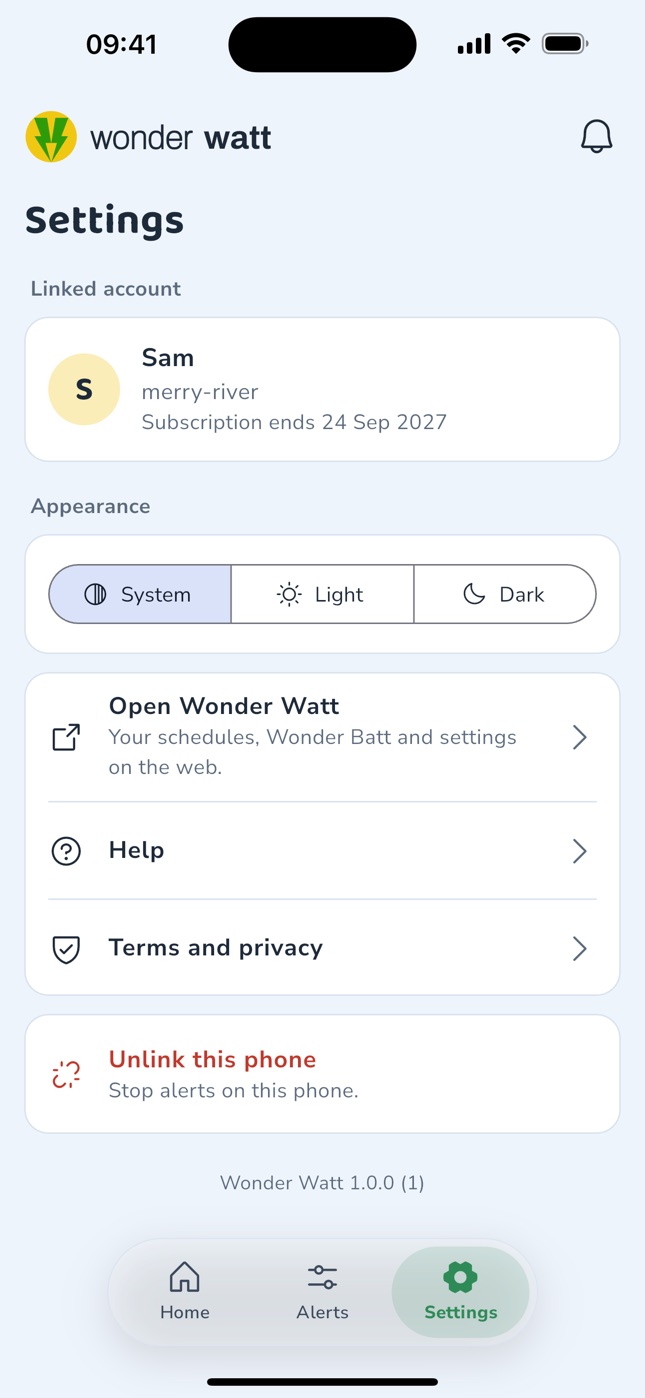
A notification when your battery drops below the level you choose.
Know when the sun or a cheap charge has filled it up.
When your inverter doesn't accept a change Wonder Watt sends it, or stops reporting in.
When Octopus stops accepting your API key, so your Intelligent Octopus Go charging isn't missed.
Your battery level and what's flowing between your panels, battery, home and the grid right now.
See what Wonder Batt is doing with your battery, without opening a browser.
Your account, your inverter connection, your schedules, Wonder Batt and all your settings live in Wonder Watt at app.wonderwatt.com, which works in any browser on your phone or computer. The app adds notifications and a quick look at your battery, and takes you to the web app whenever you want to change something.
Sign up at app.wonderwatt.com and connect your inverter. The 14 day free trial needs no payment details. Already with Wonder Watt? Skip ahead.
Free on the App Store for iPhone and on Google Play for Android.
Open your Profile page in Wonder Watt, then scan the QR code with the app, or type in the code shown there.
Yes. The Wonder Watt app is a companion to Wonder Watt on the web, so it only works with a Wonder Watt account at app.wonderwatt.com. Create your account there first (the 14 day free trial needs no payment details), connect your inverter, then link the app to it. You can't sign up or connect an inverter in the app itself.
It sends a notification to your phone when your battery needs you: when it drops below a level you choose, when it's full, when your inverter doesn't accept a change Wonder Watt sends it or stops reporting in, when Octopus stops accepting your API key, and when your subscription is about to end. Open it to see your battery level, what's flowing between your solar panels, battery, home and the grid right now, and what Wonder Batt is doing.
No. Your schedules, Wonder Batt, your tariff and all your settings stay in Wonder Watt on the web at app.wonderwatt.com, which works in any browser on your phone or computer. The app adds notifications and a quick look at your battery, and links straight to the web app when you want to change something.
Sign in to Wonder Watt at app.wonderwatt.com and open your Profile page. Under Wonder Watt app you'll find a QR code and a code like WW-7KQ2-M9XD. Open the app and scan the QR code, or type the code in. That's it: no password to enter in the app.
Yes. The app is free to download on the App Store and Google Play, and there's nothing to pay in the app. It works with your Wonder Watt account, including during your free trial.
iPhones running iOS 15.5 or later, from the App Store, and Android phones, from Google Play.
Every inverter Wonder Watt works with: GivEnergy, Growatt, Solax, AlphaESS, Solis, FoxESS, Sunsynk, Deye and Sigenergy. The app gets everything from your Wonder Watt account, so there's nothing to set up for your inverter in the app.
Yes. On the Alerts screen you switch each one on or off, and set the level that counts as a low battery.
Yes. Link as many phones as you like with the same code from your Profile page. Each one appears under Linked phones on your Profile page, where you can unlink it, and you can unlink a phone from the app too.
Go to app.wonderwatt.com and start your 14 day free trial, with no payment details. Connect your inverter through its manufacturer's cloud, choose Wonder Batt or your own schedules, then install the app and link it from your Profile page.